AI SearchGuide7 min read
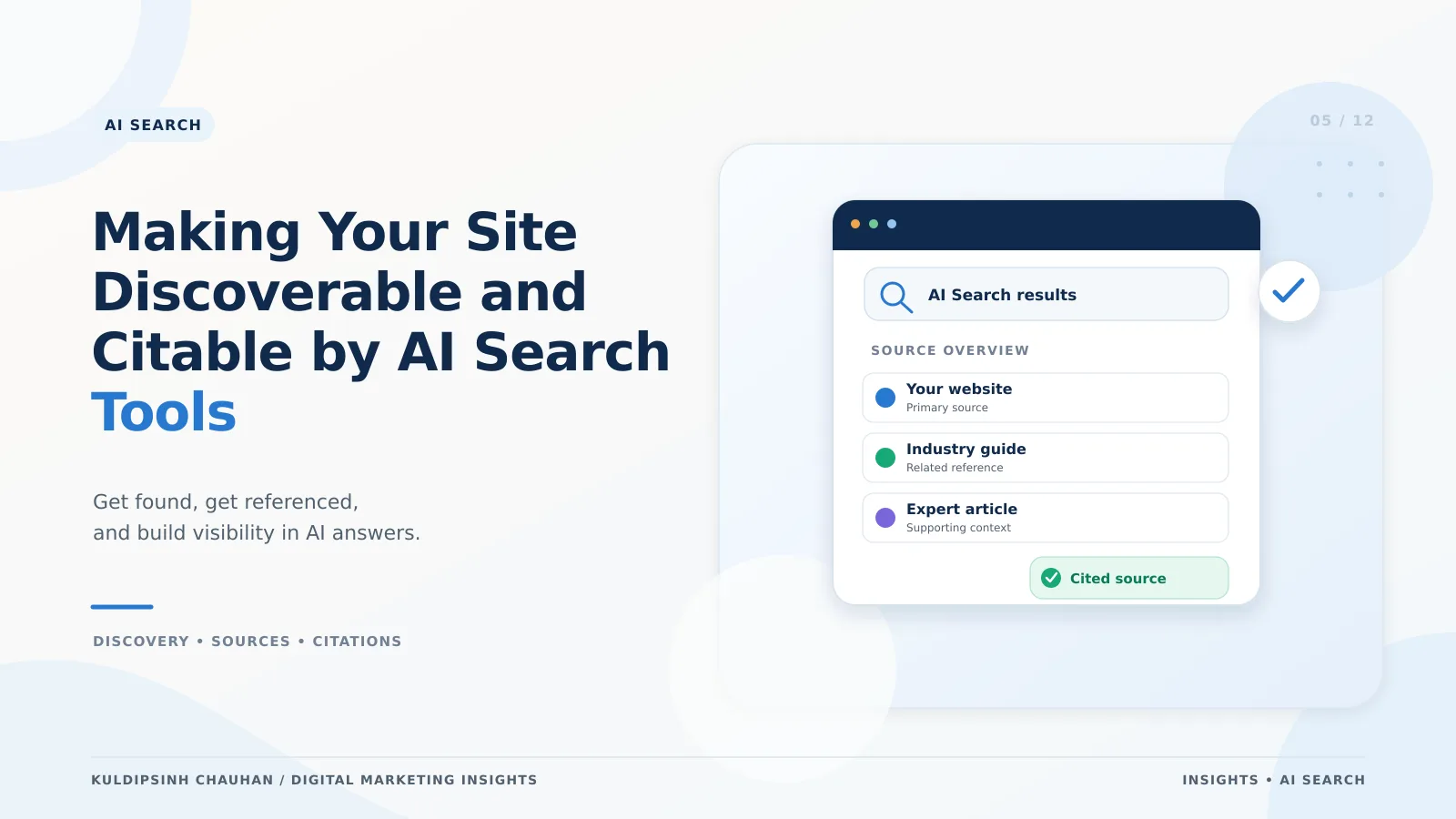
How to make your website easier for ChatGPT, Gemini, Perplexity and other AI tools to discover and cite
Crawler access, clean HTML, structured data and verifiable facts - the practical steps that help AI search tools find, understand and cite your site.

Step 1: Decide your crawler policy
Each AI company publishes the user agents it uses. Some are for search and retrieval, others for collecting training data. Your robots.txt can treat them differently.
- OAI-SearchBot - OpenAI's crawler for surfacing sites in ChatGPT search results.
- GPTBot - OpenAI's crawler for training data; blocking it does not, according to OpenAI, remove you from ChatGPT search if OAI-SearchBot is allowed.
- PerplexityBot - used by Perplexity to index pages for its answers.
- Google-Extended - a control token that lets you opt out of content being used for Gemini model training and grounding. It does not affect Google Search rankings or inclusion.
- Bingbot - powers Bing search, which also feeds Microsoft Copilot answers.
If you want maximum visibility, allow the search-related agents. If you have licensing concerns, block training crawlers selectively and document the decision so your team knows why.
Step 2: Make pages easy to fetch and read
- Serve the main content in the initial HTML. Many AI crawlers do not run JavaScript the way Googlebot does.
- Return fast, stable 200 responses; avoid bot-blocking firewalls rules that challenge legitimate crawlers.
- Use one H1, descriptive H2 and H3 headings, and real lists and tables rather than images of text.
- Keep an accurate XML sitemap and link important pages from your navigation and content.
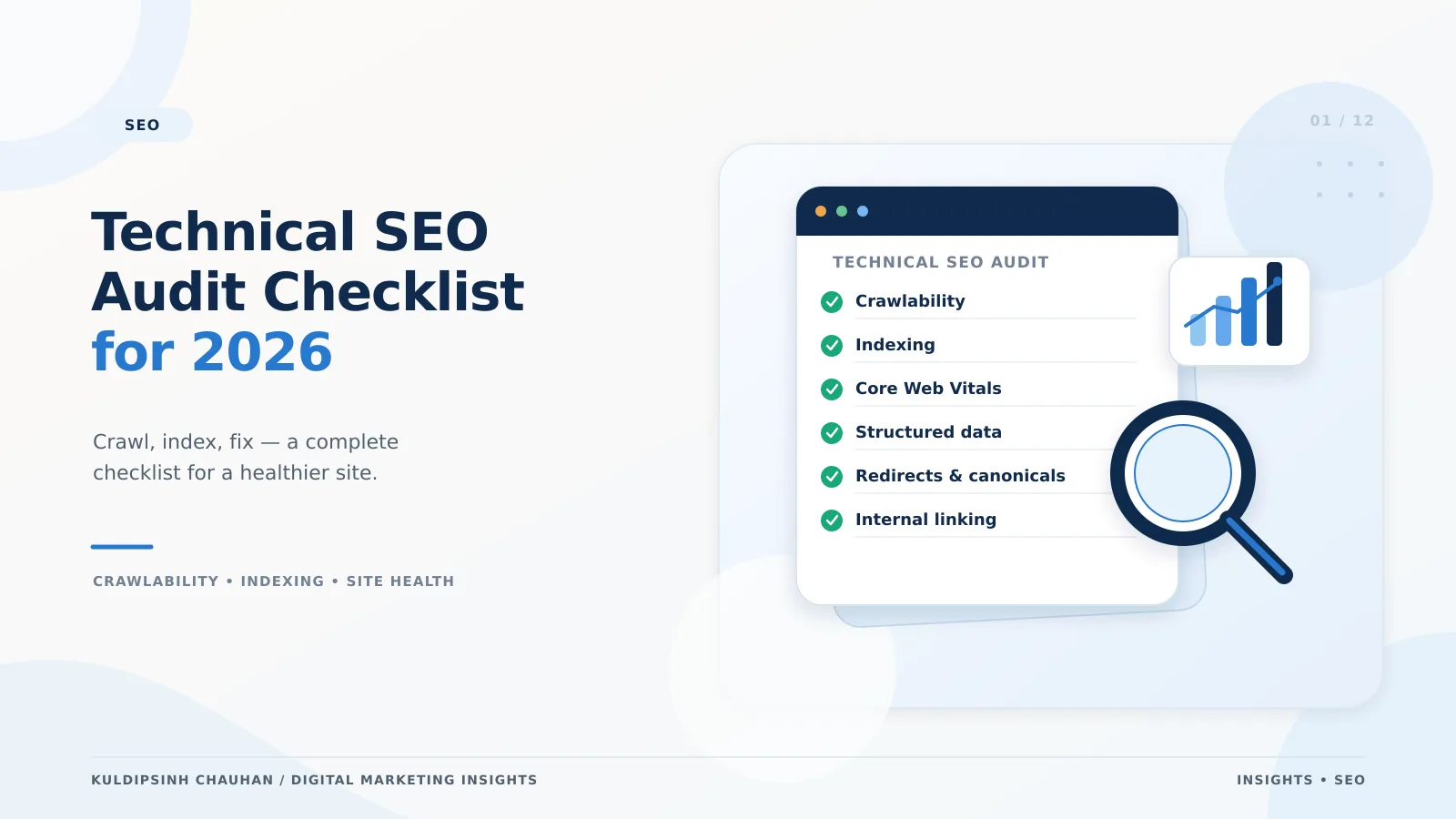
These are the same basics covered in the technical SEO audit checklist.
Step 3: Describe who you are, consistently
AI tools try to work out which entity a page belongs to. Make that simple:
- An About or author page with your name, role, services, location and links to your official profiles.
- Organization or Person structured data with sameAs links to those profiles, matching the visible page.
- Consistent name, address and phone details for local businesses across your site and listings.
- Article structured data with author, datePublished and dateModified on editorial content.
Structured data is a description, not a shortcut. Google says it does not require special markup for AI features, but clear markup helps machines interpret what is already on the page.
Step 4: Write content that is safe to quote
- Answer the question in the first few sentences of each section.
- State facts precisely, with dates, units and sources.
- Separate verified results from estimates or examples, and say which is which.
- Show experience: describe how you did the work and what you learned.
- Update pages when facts change, and show the update date.
More on balancing scale and quality is in AI-generated content and SEO.
Step 5: Consider llms.txt - with realistic expectations
llms.txt is a proposed plain-text file at the root of a site that lists key pages with short descriptions, written for language models. Some tools read it; many do not. Google has not adopted it as a signal.
If you add one, keep it short, accurate and limited to public URLs. It should mirror what your site already says, not introduce new claims.
Step 6: Build confirming sources off your site
AI answers that recommend a provider usually draw on more than one source. Independent profiles, reviews, interviews and published case studies help confirm what your own site says. Prioritise a handful of trusted, relevant listings over volume.
How to check progress
- Server logs: confirm the AI crawlers you allow are actually fetching pages.
- GA4: watch referrals from chatgpt.com, perplexity.ai, copilot.microsoft.com and gemini.google.com.
- Search Console: the Generative AI performance report for AI Overviews and AI Mode.
- Manual prompts: a fixed list of real customer questions, checked monthly.
A sample robots.txt policy
The example below allows search-related AI crawlers and keeps private areas closed. It is an illustration to adapt, not a recommendation for every site.
- User-agent: OAI-SearchBot - Allow: /
- User-agent: PerplexityBot - Allow: /
- User-agent: Bingbot - Allow: /
- User-agent: Googlebot - Allow: /
- User-agent: * - Disallow: /admin and /api, Allow: everything else
- Sitemap: the absolute URL of your XML sitemap
If you decide to block training crawlers such as GPTBot or use the Google-Extended token, add those rules explicitly and record the reason. Review the list every few months, because AI companies add and rename user agents.
Finally, check that your firewall or CDN bot protection does not challenge these crawlers. A robots.txt that allows a crawler is pointless if the hosting layer blocks it.
Frequently asked questions
- Should I block GPTBot?
- It depends on your view of training use. OpenAI separates GPTBot (training) from OAI-SearchBot (search). Blocking GPTBot while allowing OAI-SearchBot keeps you eligible for ChatGPT search, according to OpenAI's documentation.
- Does blocking Google-Extended remove me from AI Overviews?
- No. Google says Google-Extended does not affect inclusion in Google Search, and AI Overviews are part of Search. Use nosnippet or noindex controls if you need to limit Search features.
- Is llms.txt required?
- No. It is an optional proposal. Good crawlability, clear content and consistent entity information matter far more.
References and further reading
- Overview of OpenAI crawlers - OpenAI
- Perplexity crawlers - Perplexity
- Google's common crawlers (including Google-Extended) - Google Search Central
- The /llms.txt file proposal - llmstxt.org
- AI features and your website - Google Search Central
- AI Search
- Crawlers
- Structured Data
- llms.txt
Want this applied to your brand?
Let's Talk