SEOGuide7 min read
Technical SEO audit checklist for 2026: crawling, indexing, canonicals and Core Web Vitals
A step-by-step audit you can run on any site - from robots.txt and indexing to canonicals, INP and structured data - with a clear order of priorities.

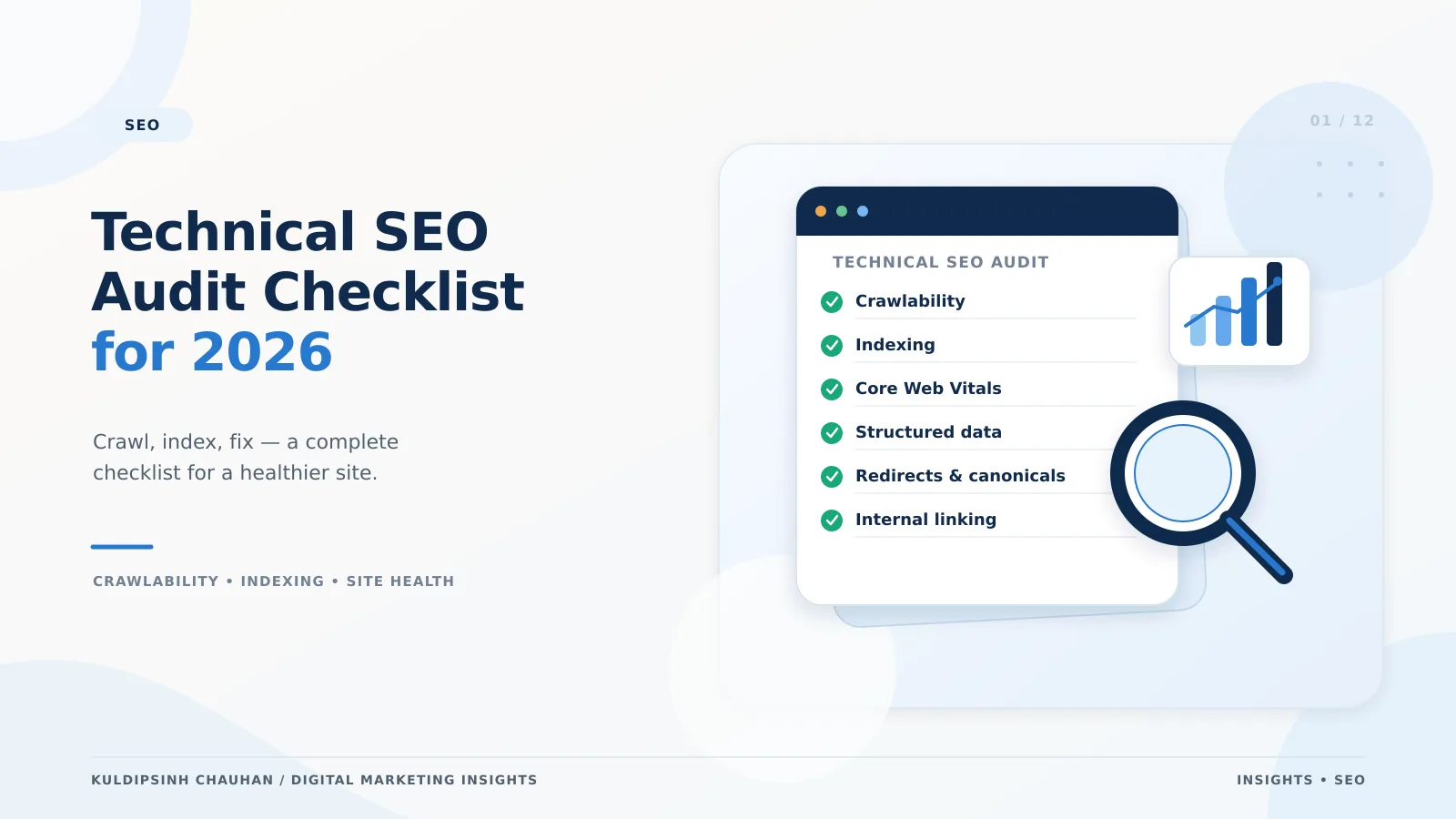
Why run a technical audit before anything else
Content and links only work if search engines can reach, render and index the pages you care about. A technical audit is the cheapest way to find the problems that quietly cap every other SEO investment.
The goal is not a 200-item report. It is a short, prioritised list of issues that block or dilute your most valuable pages - categories, services, products and articles that earn revenue or leads.
Step 1: Crawling
Start by confirming that search engines are allowed to request your important URLs and that those URLs return the right status code.
- Read robots.txt line by line. Check that no Disallow rule blocks CSS, JavaScript, product, category or article paths.
- Crawl the site with a desktop crawler and list every 4xx, 5xx and redirect chain. Internal links should point straight to the final 200 URL.
- Check the XML sitemap: it should list only canonical, indexable 200 URLs, and be referenced in robots.txt and submitted in Search Console.
- Look at the Crawl stats report in Search Console for spikes in server errors or slow response times.
Remember that robots.txt controls crawling, not indexing. A blocked URL can still appear in results if other pages link to it; use noindex (on a crawlable page) when you need it kept out.
Step 2: Indexing
Open the Page indexing report and group the reasons pages are excluded. Most sites see a few large buckets that explain the majority of issues.
Common exclusion reasons and what they usually mean
- Excluded by noindex tag - check templates; staging tags often leak into production.
- Crawled - currently not indexed - often thin, near-duplicate or low-value pages; improve them or consolidate.
- Duplicate without user-selected canonical - add a clear canonical or remove the duplicate URLs.
- Alternate page with proper canonical tag - usually fine; it means your canonicals are being respected.
Use the URL Inspection tool on a handful of priority pages to see the Google-selected canonical and the rendered HTML. If key content or links only appear after user interaction, Google may not see them.
Step 3: Canonicals and duplication
Every indexable page should carry a self-referencing canonical, and duplicates (tracking parameters, sort orders, print versions, HTTP vs HTTPS, trailing slashes) should point to one preferred URL.
- Canonical tags must use absolute URLs and point to a 200, indexable page - never to a redirect or a noindex page.
- Keep signals consistent: internal links, sitemap entries, hreflang and canonicals should all name the same URL.
- For eCommerce filters, decide which combinations deserve their own indexable pages and canonicalise or noindex the rest.
If you run a large catalogue, the deeper version of this problem is covered in technical SEO for large eCommerce catalogues.
Step 4: Core Web Vitals and page experience
Core Web Vitals measure loading (Largest Contentful Paint), responsiveness (Interaction to Next Paint) and visual stability (Cumulative Layout Shift). INP replaced First Input Delay as the responsiveness metric in March 2024.
- Good thresholds at the 75th percentile: LCP 2.5 s or less, INP 200 ms or less, CLS 0.1 or less.
- Use field data from the Core Web Vitals report or PageSpeed Insights, not only lab scores.
- Typical LCP fixes: compress and correctly size hero images, preload the LCP image, reduce server response time.
- Typical INP fixes: break up long JavaScript tasks, defer third-party scripts, reduce heavy event handlers.
- Typical CLS fixes: set width and height on images and embeds, reserve space for banners and ads.
Page experience supports rankings but does not replace relevance. Fix templates that affect many pages first.
Step 5: Structured data, mobile and internal links
- Validate structured data with the Rich Results Test and make sure it matches visible content.
- Check that the mobile version contains the same content, links and structured data as desktop - Google indexes mobile first.
- Make sure important pages are reachable within a few clicks through normal HTML links, not only through search or JavaScript widgets.
Internal links are often the fastest win after blockers are removed; see the internal linking framework for eCommerce.
Putting it in priority order
- Blockers: robots.txt rules, accidental noindex, server errors and broken redirects on priority pages.
- Duplication: canonicals, parameters and sitemap hygiene.
- Discovery: internal links and crawl depth to money pages.
- Experience: Core Web Vitals on the templates with the most traffic.
- Enhancements: structured data and rich result eligibility.
Re-check the Page indexing report two to four weeks after fixes ship. Indexing changes take time, and Search Console data is the clearest evidence that a fix worked.
Example from client work
On the Shreeman ethnic-wear store, rebuilding the information architecture so priority categories were crawlable and clearly linked was part of the work behind a +220% increase in organic sessions. The lesson: structural fixes compound because every new product inherits them.
Frequently asked questions
- How often should I run a technical SEO audit?
- Run a full audit at least once or twice a year and after any redesign, migration or platform change. Monitor Search Console's indexing and Core Web Vitals reports monthly in between.
- Is robots.txt enough to keep a page out of Google?
- No. robots.txt stops crawling, not indexing. To keep a page out of results, allow crawling and use a noindex meta tag or header, or password-protect it.
- Which Core Web Vital matters most?
- All three count, but fix whichever fails on your highest-traffic templates first. On many content and eCommerce sites that is LCP on mobile or INP on script-heavy pages.
- Do I need paid tools for an audit?
- Search Console, PageSpeed Insights and the Rich Results Test cover most needs. A desktop crawler helps on larger sites to find broken links, redirect chains and duplicate titles at scale.
References and further reading
- Consolidate duplicate URLs with canonicals - Google Search Central
- Understanding Core Web Vitals and Google search results - Google Search Central
- Interaction to Next Paint (INP) - web.dev
- Introduction to robots.txt - Google Search Central
- Page indexing report - Search Console Help
- Technical SEO
- Core Web Vitals
- Indexing
Related case studies
Want this applied to your brand?
Let's Talk