SEOGuide6 min read
Internal linking for eCommerce websites: a practical framework for crawlability and discovery
Internal links decide which pages search engines find first and treat as important. This framework shows how to structure them on a growing store.

Why internal linking matters more on stores
Stores add and remove products constantly. Without a deliberate linking structure, new products are slow to be found, seasonal categories fade, and filter pages soak up crawl attention that should go to revenue pages.
Google discovers most pages by following links. Its documentation is explicit that links should be crawlable anchor elements with an href attribute, and that anchor text helps both people and search engines understand the destination.
The hub-and-spoke model
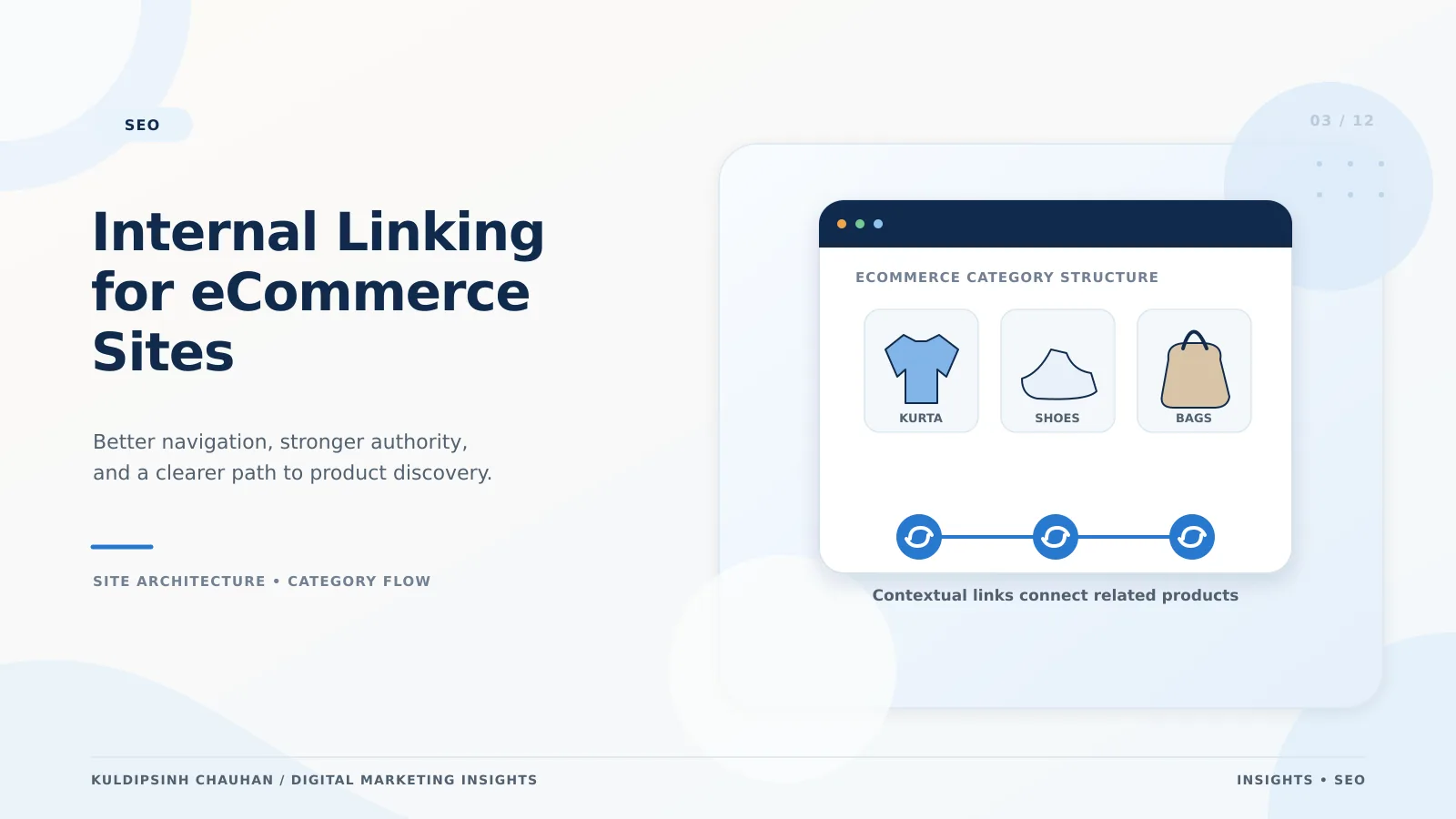
- Homepage links to top-level categories (the hubs) and to a small set of priority collections.
- Each category links to its subcategories and to its products, with a short intro that links to closely related categories.
- Each product links back to its category (breadcrumbs), to sibling products, and to useful guides.
- Guides and articles link into the categories and products they discuss.
Aim for every important page to be reachable in about three clicks from the homepage. Depth is not a ranking factor on its own, but deep pages are usually crawled less and receive less internal authority.
Link types and what each one does
Navigation
Main menus define the hubs. Keep them focused on categories with real demand; a mega menu that links to hundreds of thin pages dilutes the signal.
Breadcrumbs
Breadcrumbs show hierarchy, give every product an upward link, and can be marked up with BreadcrumbList structured data.
Contextual links
Links inside category intros, product descriptions and articles carry the clearest context. Use anchors such as 'silk sarees' or 'men's linen shirts' rather than 'click here'.
Related and recommended products
Useful for discovery, but make sure the links are present in the HTML, not injected after an interaction that crawlers do not perform.
Handling filters, sorting and pagination
- Link to filtered URLs only when the combination has search demand and its own indexable page.
- Avoid crawlable links to sort orders and endless filter combinations; canonicalise or noindex them if they exist.
- Paginated category pages should link to each other with normal links and be crawlable, so products on page 5 are still found.
These decisions overlap with crawl budget; see technical SEO for large eCommerce catalogues.
A step-by-step internal linking audit
- Export all indexable URLs from your sitemap and from a full crawl.
- Find orphan pages - URLs in the sitemap that no crawled page links to - and either link or retire them.
- List priority pages by revenue or leads and check their inlink count and click depth.
- Add contextual links from high-traffic pages (homepage, top guides, best-selling products) to under-linked priority pages.
- Review anchor text for vague or repeated phrases and make them descriptive.
- Fix internal links that point to redirects or 404s so they go straight to the final URL.
Repeat quarterly, and after every large product import or menu change. The broader checklist lives in the technical SEO audit checklist.
Example from client work
For Shreeman, an Indian ethnic-wear store, restructuring categories and strengthening links between collections and products was part of the information architecture work behind +220% organic sessions. Internal linking alone was not the whole story, but it made every other improvement easier for search engines to find.
Common mistakes
- Footers with hundreds of links that look identical on every page.
- Linking to the same page with many different anchors that target unrelated keywords.
- Product links built only with JavaScript click handlers.
- Leaving discontinued products as 404s when they still have inbound links; redirect to the closest category instead.
Anchor text guidelines that scale
Anchor text is the visible text of a link. It is one of the clearest hints a search engine gets about the page on the other end, so it is worth a short written standard that merchandisers and writers can follow.
- Describe the destination: 'cotton kurtas for men' rather than 'shop now' or 'see more'.
- Vary naturally. Use the category name, close synonyms and product types instead of repeating one exact phrase hundreds of times.
- Keep it short. Two to five words is usually enough; whole sentences as anchors dilute meaning.
- Match what the page delivers. Linking 'red silk sarees' to a page that shows every saree confuses both users and crawlers.
- Avoid identical anchors pointing to different pages, which makes it unclear which page is the best answer.
Add these rules to your content brief and to the product description template so new pages follow them from day one. Review a sample each quarter rather than trying to audit every link manually.
Frequently asked questions
- How many internal links should a page have?
- There is no fixed number. Link where it helps the reader, keep navigation focused, and make sure each priority page receives links from relevant, well-visited pages.
- Should I nofollow internal links?
- Generally no. Nofollow on internal links rarely helps. Control indexing with canonicals and noindex, and simply avoid linking to pages you do not want crawled.
- Do breadcrumbs help SEO?
- Yes. They add consistent upward links, clarify hierarchy, and with BreadcrumbList markup can be shown in search results.
References and further reading
- Link best practices for Google - Google Search Central
- Designing a URL structure for ecommerce sites - Google Search Central
- Breadcrumb (BreadcrumbList) structured data - Google Search Central
- Internal Linking
- eCommerce SEO
- Site Architecture
Related case studies
Want this applied to your brand?
Let's Talk