AnalyticsGuide6 min read
How to build a reliable digital marketing dashboard with GA4, Google Ads and Looker Studio
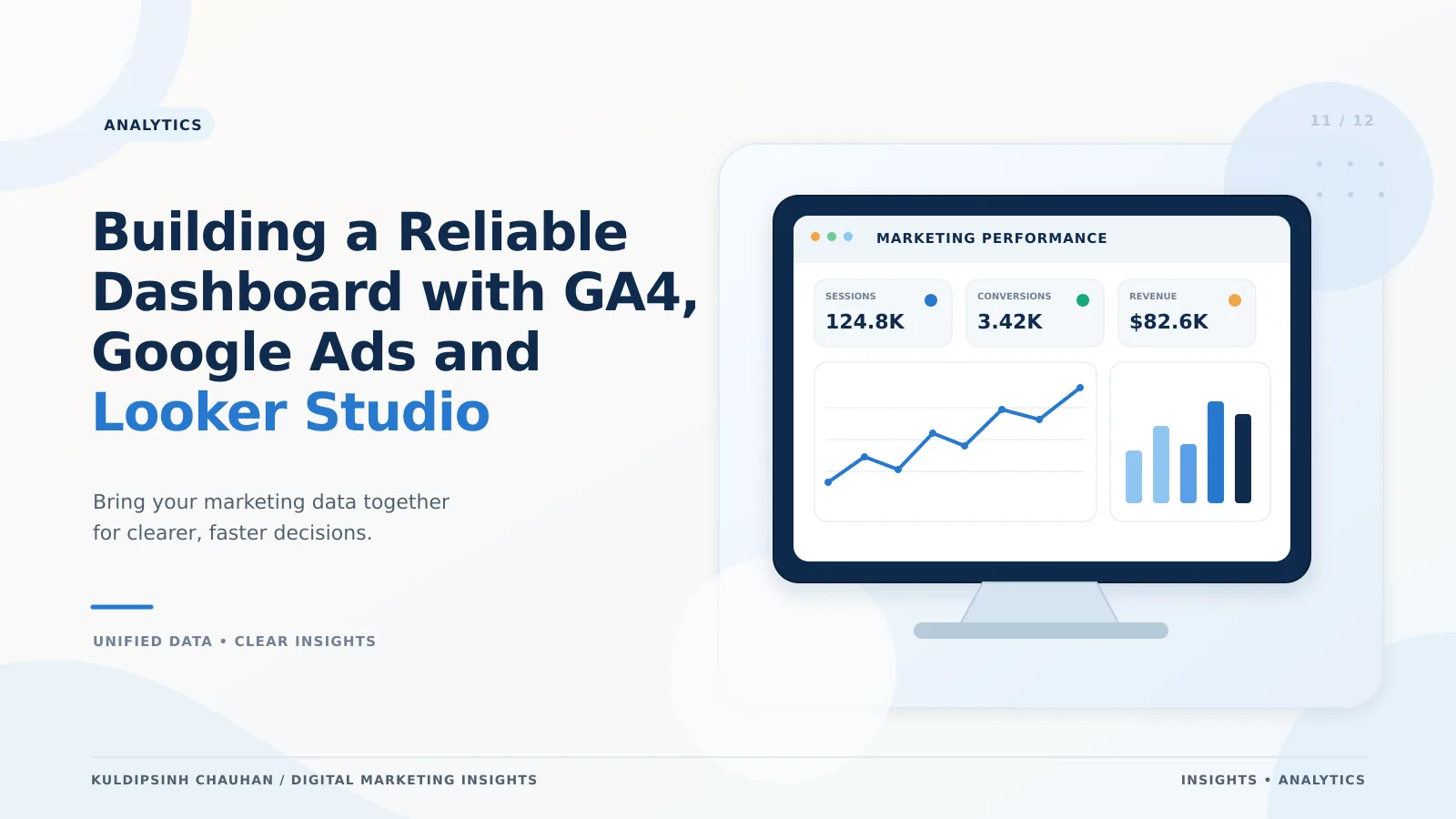
A dashboard is only useful if people trust the numbers. This guide covers metric choice, data sources, layout and the checks that keep it reliable.

Decide what the dashboard is for
Write down who will use it and which decisions it supports. A founder deciding monthly budgets needs different views from a specialist tuning campaigns weekly.
- Executive view: revenue or qualified leads, spend, CAC, blended efficiency, trend vs target.
- Channel view: performance by source and campaign with cost and key events.
- Funnel view: drop-off between key steps by device and channel.
Choose metrics that hold up
- Outcome metrics: purchases, revenue, qualified leads - ideally reconciled with your store or CRM.
- Efficiency metrics: CAC, cost per qualified lead, ROAS, marketing efficiency ratio.
- Diagnostic metrics: click-through rate, conversion rate, engaged sessions.
Why ROAS should not be the only headline is explained in performance marketing beyond ROAS.
Connect the data in Looker Studio
- Add the Google Analytics connector for your GA4 property and the Google Ads connector for each account.
- For Meta or CRM data, use a connector or a scheduled export to Google Sheets or BigQuery.
- Use blended data to combine sources on shared dimensions such as date and campaign name - this is why consistent UTM naming matters.
- Create calculated fields once (for example, CAC = cost / new customers) and reuse them.
Large GA4 properties can hit API quotas in Looker Studio. Reduce the number of charts per page, use date ranges sensibly, or export GA4 to BigQuery for heavier reporting.
Layout that people can read
- Put the three to five most important numbers at the top with comparison to the previous period or target.
- Use one page per audience rather than one huge page.
- Label every number with its source (GA4, Google Ads, CRM) and attribution model.
- Add filters for date, channel and market; avoid dozens of controls.
Keep it reliable
Data-quality checks
- Compare GA4 purchases with store orders weekly.
- Flag spikes in unassigned traffic or (not set) campaigns.
- Watch for tracking gaps after site releases.
Change log
Keep a short log of tracking changes, campaign launches and site updates on the dashboard. It explains jumps that would otherwise cause confusion.
Reliable dashboards start with reliable tracking - see the GA4 conversion tracking guide.
A simple build checklist
- Agree the questions and audience.
- List metrics with definitions and sources.
- Fix UTM naming and conversion tracking first.
- Connect sources and create calculated fields.
- Build the summary page, then detail pages.
- Test with the people who will use it and remove what they ignore.
- Schedule email delivery or a regular review meeting.
Pitfalls that make dashboards untrustworthy
- Mixing GA4 key events and Google Ads conversions in one column without saying which is which.
- Blending sources on campaign names that are spelled differently in each platform.
- Using sampled or thresholded GA4 data without noting it; small segments can be hidden for privacy.
- Comparing periods of different lengths or including today's partial data in trends.
- Leaving broken charts in place after a connector change, which teaches readers to ignore the whole page.
- Building so many pages that nobody knows where the answer lives.
A good test is to ask a new team member to answer three questions using only the dashboard. Where they hesitate or get it wrong, the layout or labelling needs work.
Review rhythm
Look at the summary page weekly, the channel and funnel pages monthly, and revisit the metric definitions every quarter or whenever goals change. Retire charts that nobody has used in a quarter.
Store the metric definitions in a short glossary page inside the report, so the meaning of CAC, qualified lead or MER never depends on who built the chart.
Frequently asked questions
- Is Looker Studio free?
- Looker Studio is free to use with Google connectors. Some third-party connectors and the Pro version have costs.
- Why do GA4 and Google Ads show different conversion numbers?
- They use different attribution, counting rules and time of crediting. Label both clearly and decide which one each decision should use.
- How often should the dashboard refresh?
- Native GA4 and Google Ads connectors refresh on a schedule you can set in data source settings; daily freshness is enough for most marketing decisions. If people expect real-time numbers, explain the delay on the dashboard itself so nobody mistakes late data for a drop in performance.
- Who should own the dashboard?
- One named person should own definitions, data sources and the change log, even if many people use it. Shared ownership usually means nobody fixes broken charts.
- Should I use BigQuery?
- For high-traffic sites or complex blending, the free GA4 export to BigQuery avoids quota limits and gives full event data. Small sites usually do not need it.
References and further reading
- Looker Studio Help - Google
- Connect to Google Analytics - Looker Studio Help
- BigQuery Export for Google Analytics - Analytics Help
- Looker Studio
- GA4
- Google Ads
- Reporting
Want this applied to your brand?
Let's Talk