AnalyticsGuide7 min read
GA4 conversion tracking guide: events, GTM, attribution, UTMs and funnel reporting
A step-by-step guide to tracking what matters in GA4 - from a measurement plan and key events to GTM, consent, UTMs and funnel exploration reports.

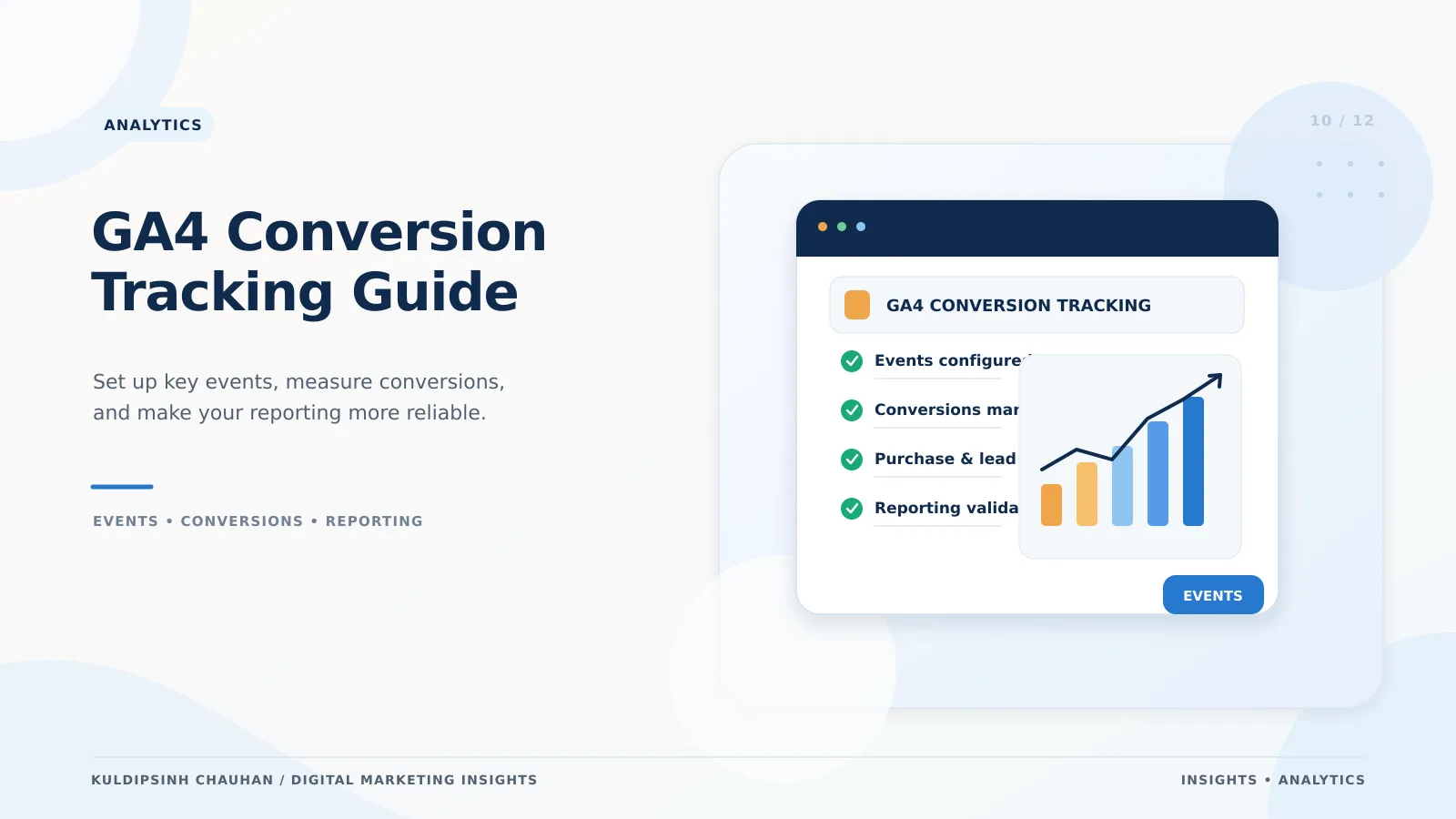
How GA4 measures conversions
GA4 records interactions as events with parameters. Some are collected automatically (page_view, first_visit, session_start), some through enhanced measurement (scrolls, outbound clicks, file downloads, site search), and others you define.
Any event can be marked as a key event in Admin. In 2024 Google renamed GA4 'conversions' to 'key events', and uses 'conversions' for the actions imported into Google Ads for bidding.
Step 1: Write a measurement plan
- Business goals - for example, online sales, qualified leads, booked calls.
- Key events - purchase, generate_lead, book_appointment, sign_up.
- Supporting events - view_item, add_to_cart, begin_checkout, form_start.
- Parameters - value, currency, items, form_name, lead_type.
- Where each event fires and who owns it.
Use Google's recommended event names where they fit; GA4 reports and Google Ads integrations understand them out of the box.
Step 2: Implement with Google Tag Manager
- Install the GTM container on every page, and a Google tag for your GA4 measurement ID.
- Push structured data to the dataLayer from your site (for example, ecommerce purchase details) rather than scraping the page.
- Create GA4 event tags triggered by dataLayer events, form submissions or thank-you page views.
- Set up consent mode so tags respect user choices where consent is required.
- Use Preview mode and GA4 DebugView to confirm each event and its parameters before publishing a container version.
Avoid double counting
Fire purchase and lead events once per transaction, and pass a transaction_id for purchases so GA4 can deduplicate.
Step 3: Mark key events and connect Google Ads
Mark only the events that represent outcomes as key events. Link GA4 to Google Ads, then import the key events you want to use for bidding, or use the Google Ads conversion tag alongside enhanced conversions. How these feed Smart Bidding is covered in Google Ads in 2026.
Step 4: Tag campaigns with UTMs
- utm_source - where traffic comes from (facebook, newsletter, partner name).
- utm_medium - the type (cpc, paid_social, email, referral).
- utm_campaign - the campaign name, consistent across platforms.
- utm_content and utm_term - optional, for creative and keyword detail.
Use lowercase and a shared naming sheet. Google Ads usually needs no UTMs when auto-tagging is on. Inconsistent tagging is the most common reason channel reports look wrong.
Step 5: Attribution and funnel reporting
GA4 uses data-driven attribution by default for key event credit, with a last-click option. Compare models in the Advertising section to see how channels assist each other.
Build a funnel exploration for your main journey - for example, view_item, add_to_cart, begin_checkout, purchase - and break it down by device and channel to find where drop-off is highest.
Quality checks every month
- Key event counts match orders or CRM leads within a reasonable margin.
- No large spikes from spam, internal traffic or duplicate tags.
- Unassigned or (not set) traffic is not growing.
- New pages and forms are covered by existing triggers.
Once data is reliable, bring it together in a reporting view as described in building a marketing dashboard with GA4, Google Ads and Looker Studio.
Example event map for a lead-generation site
An illustrative event map for a service business with a contact form, phone number and WhatsApp button:
- form_start - when someone first interacts with the enquiry form (supporting event).
- generate_lead - on successful form submission, with parameters form_name and lead_type (key event).
- click_to_call - when a tel: link is clicked (key event if calls are a main channel).
- whatsapp_click - when the WhatsApp link is clicked (key event or supporting, depending on value).
- file_download - for brochures or price lists (supporting, via enhanced measurement).
- qualified_lead - imported later from the CRM when sales confirm fit (used for Google Ads bidding).
Keep the map in a shared document with the trigger, parameters, owner and date added. When a form or page changes, check the map first - it is the quickest way to spot what might break.
For eCommerce, replace the lead events with view_item, add_to_cart, begin_checkout and purchase, passing items, value, currency and transaction_id.
Frequently asked questions
- What is the difference between key events and conversions in GA4?
- Key events are the GA4 events you mark as important. Conversions are the actions Google Ads uses for bidding and reporting, which can be imported from GA4 key events or tracked directly.
- Do I need Google Tag Manager for GA4?
- No, but it makes adding and maintaining events much easier without code changes for every update.
- Why does GA4 show fewer conversions than my CRM?
- Common reasons are consent choices, ad blockers, missing tags on some forms, and attribution differences. Compare totals regularly and fix gaps in tagging first.
References and further reading
- About events - Analytics Help
- About key events - Analytics Help
- Recommended events - Analytics Help
- Collect campaign data with custom URLs - Analytics Help
- Tag Manager help: set up and install - Tag Manager Help
- GA4
- Google Tag Manager
- Conversion Tracking
- UTM
Want this applied to your brand?
Let's Talk